
Unable to Activate Extension in Safari
If you are seeing all Safari extensions grayed out / disabled:
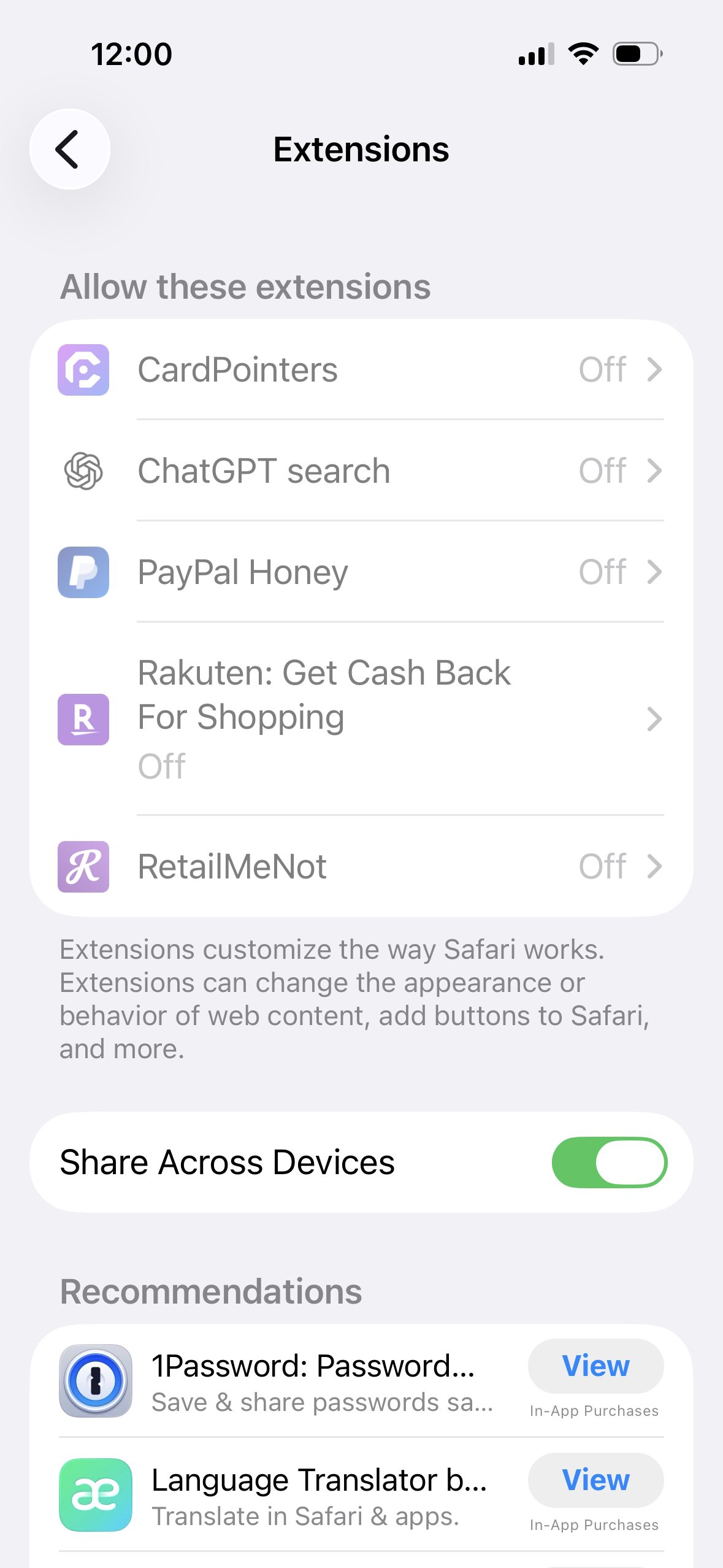
You might likely have some Screen Time restrictions enabled, either manually on your device or via an MDM setup if it's a company phone. For the former, you can check and re-enable Safari by going to:
Settings > Screen Time > Content and Privacy Restrictions and enabling Safari