Add CardPointers to ChatGPT
It's now possible to integrate all of your CardPointers cards, offers, and recommendations right into ChatGPT (it does require a paid ChatGPT plan at this time). The app has already been submitted to the ChatGPT store, but you can manually configure the MCP immediately by following these steps from chatgpt.com:

- Click on Plugins in the left column.

- Click on the
+button to add a new plugin. Note that if you do not see a + button, go into the Advanced screen and enable Developer Mode for ChatGPT.
- Only two fields are required:
- Name:
CardPointers - MCP Server URL:
https://mcp.cardpointers.com/mcp
- Name:

- Scroll down and click on the "I understand" toggle
- Click on the
Createbutton
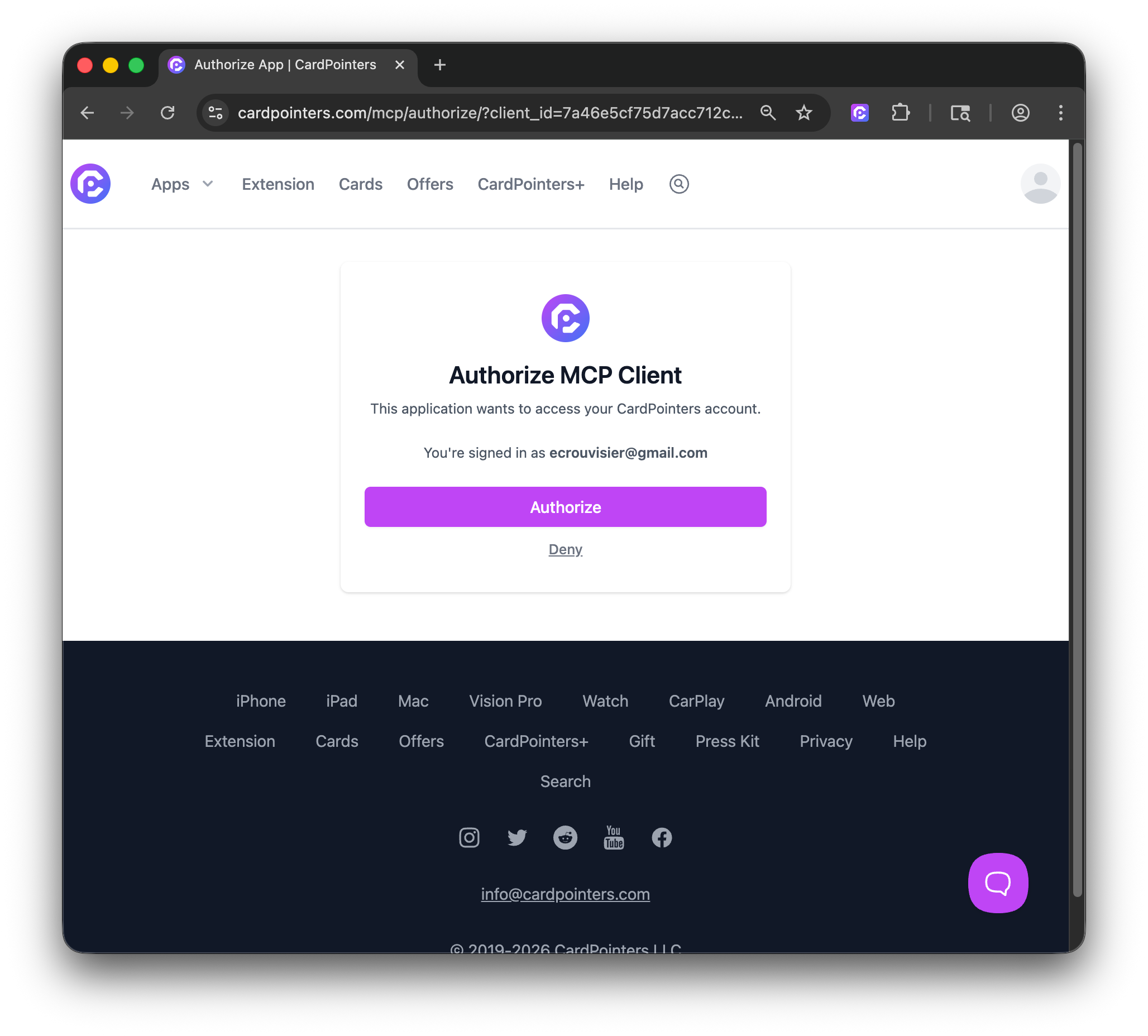
- You'll be redirected to the CardPointers site to log in (if you haven't already), then click on
Authorize
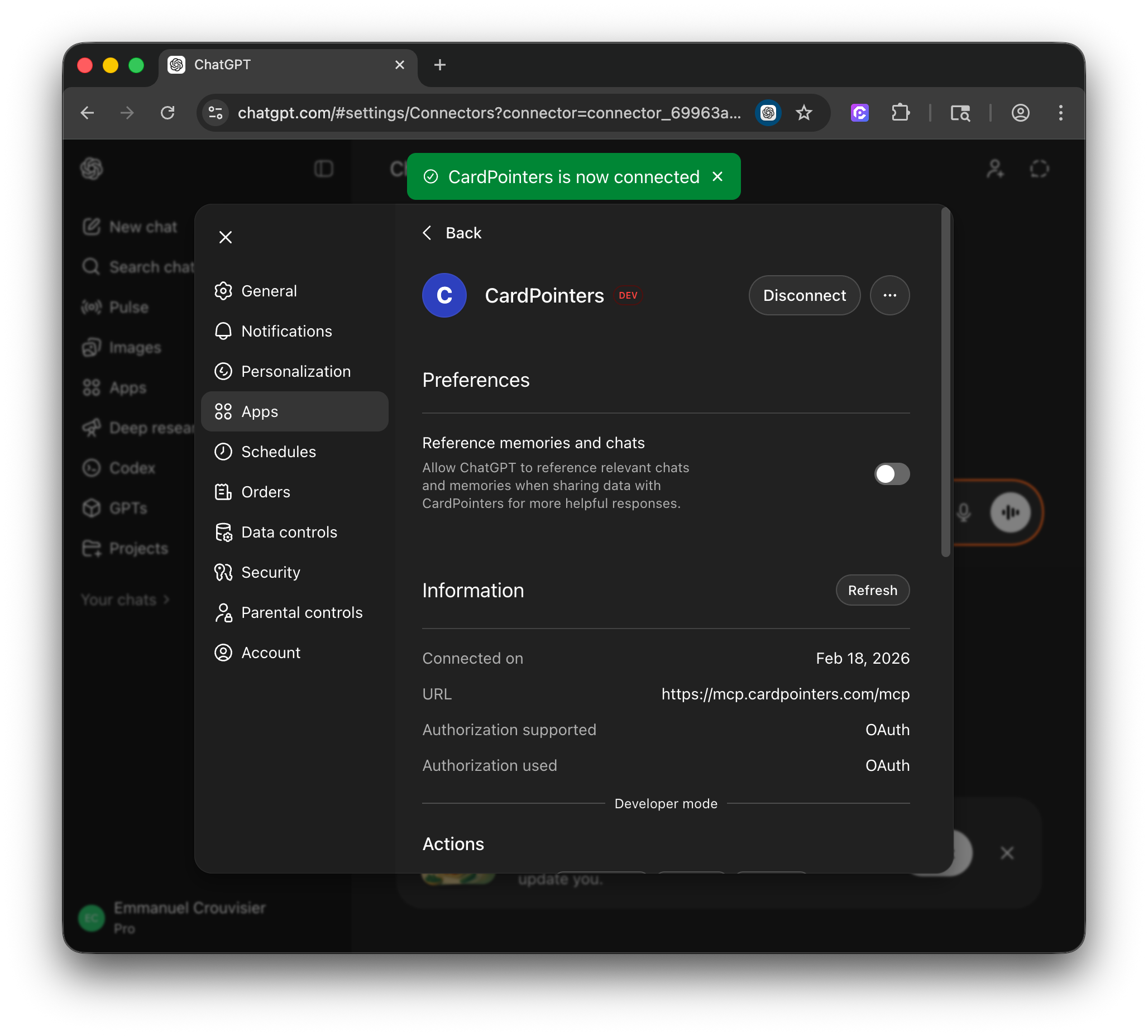
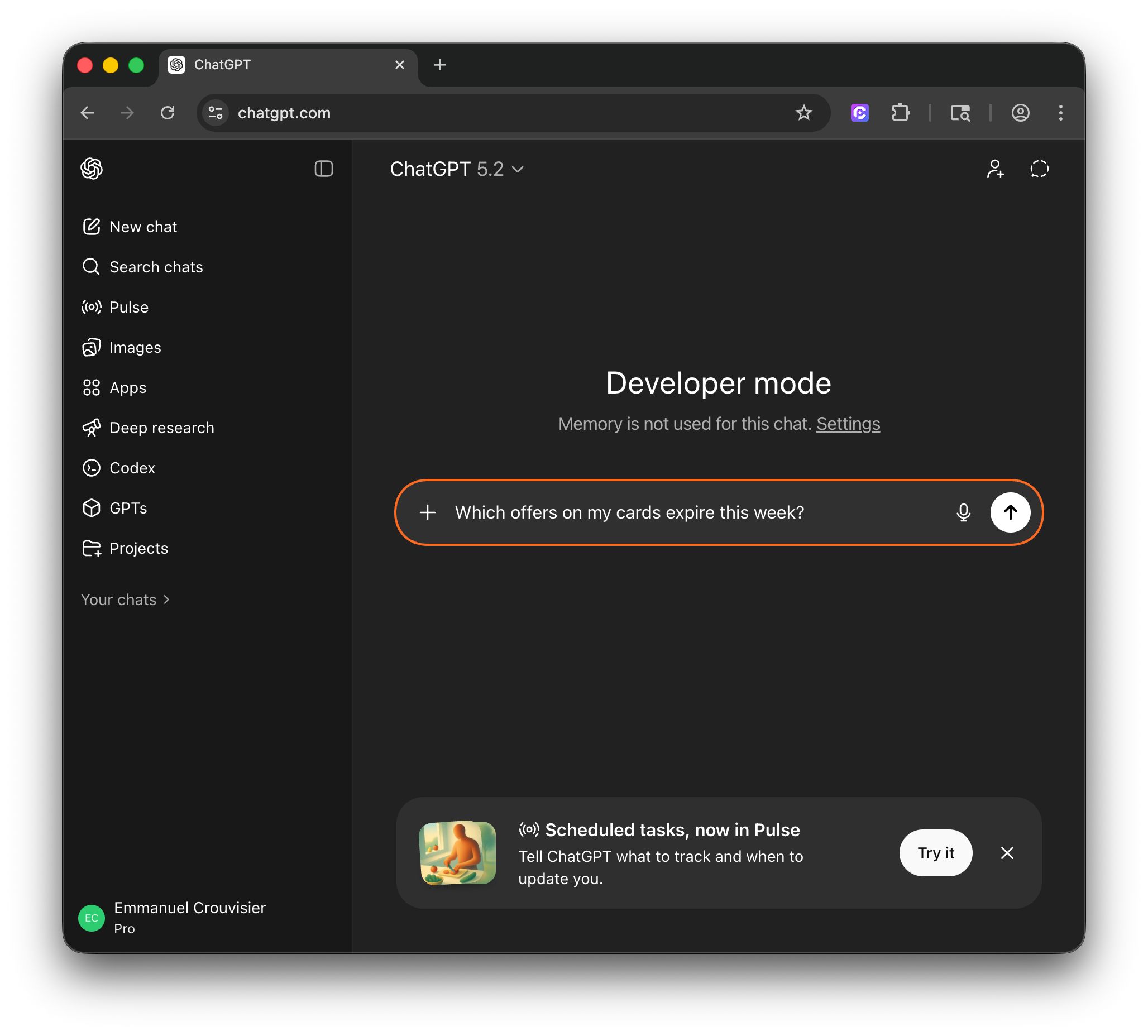
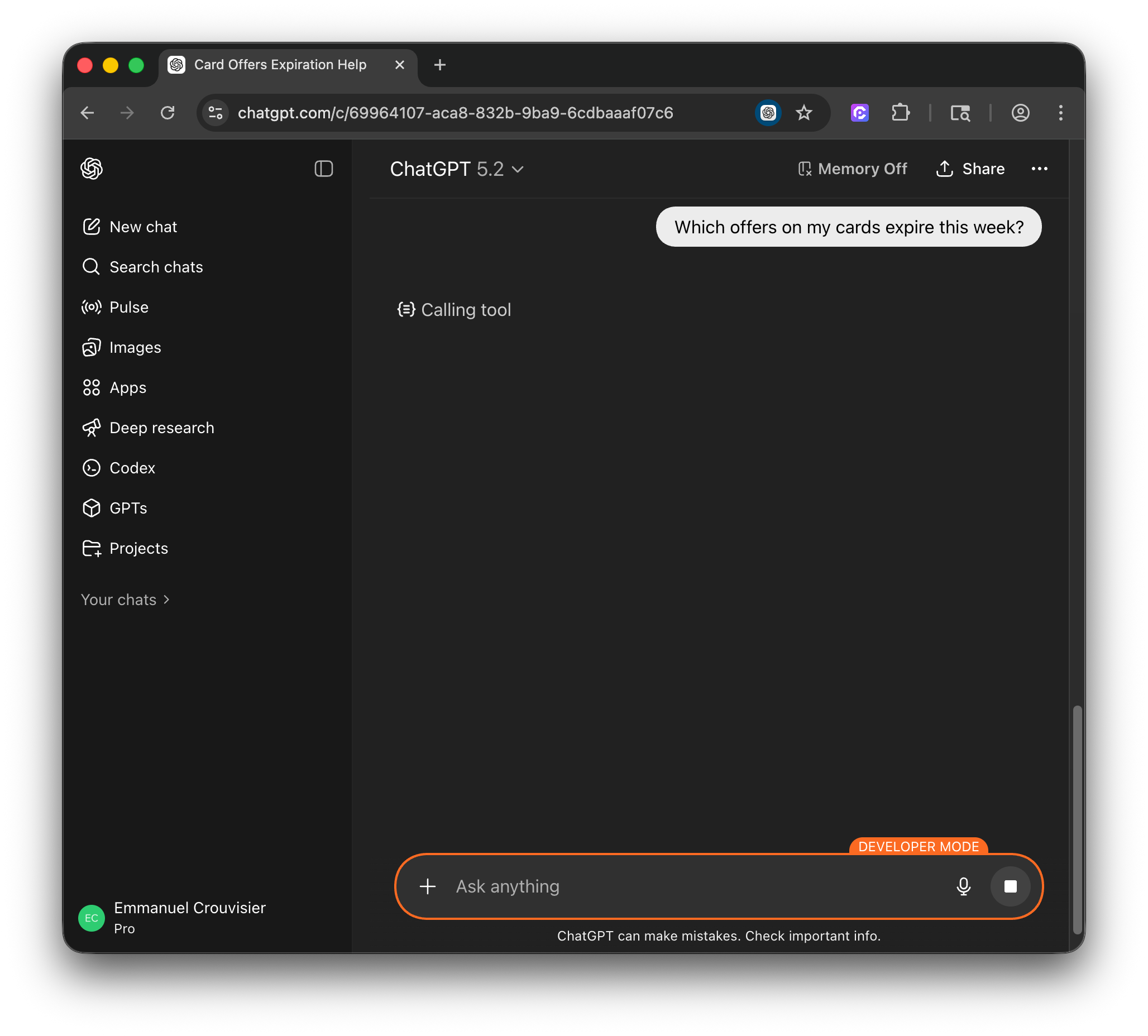
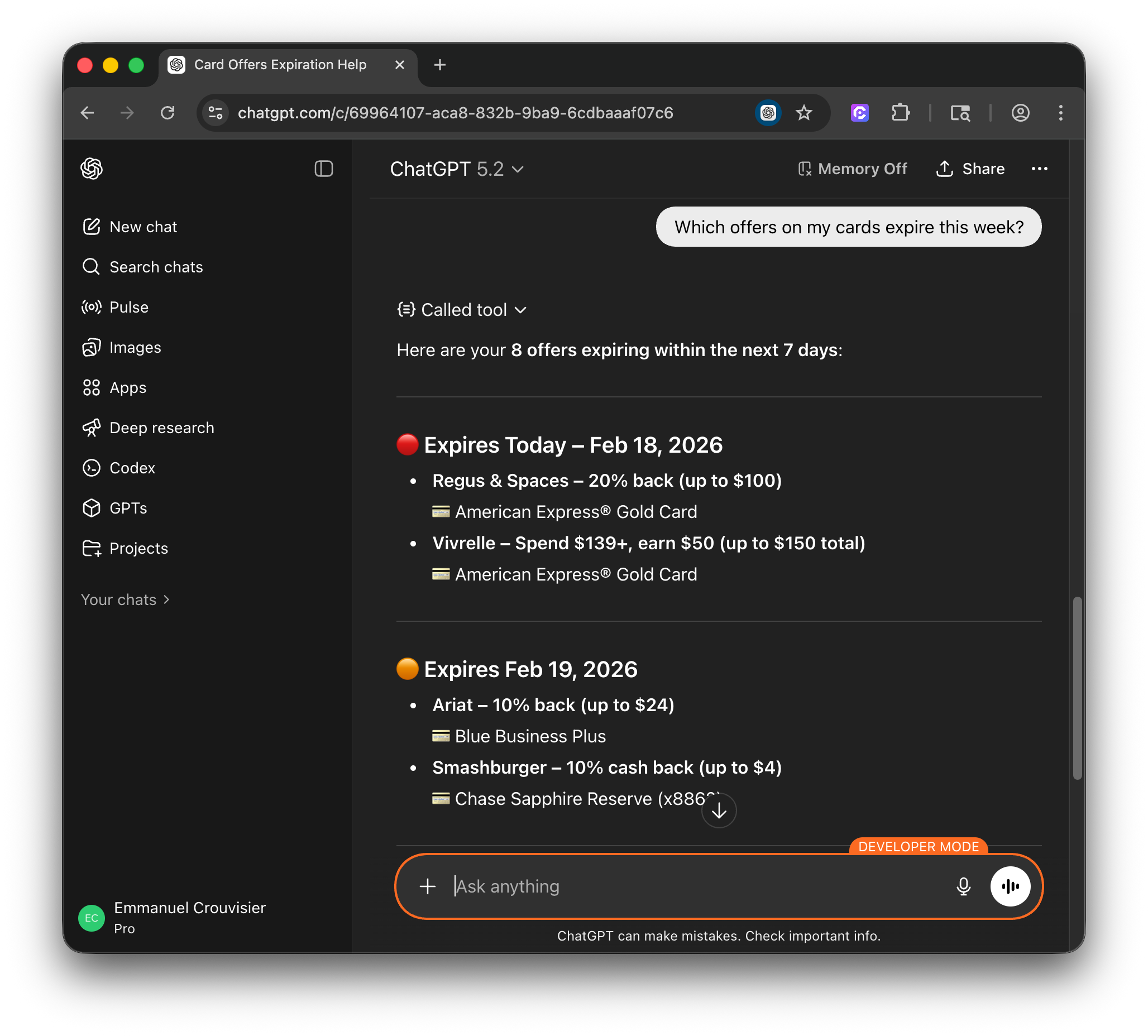
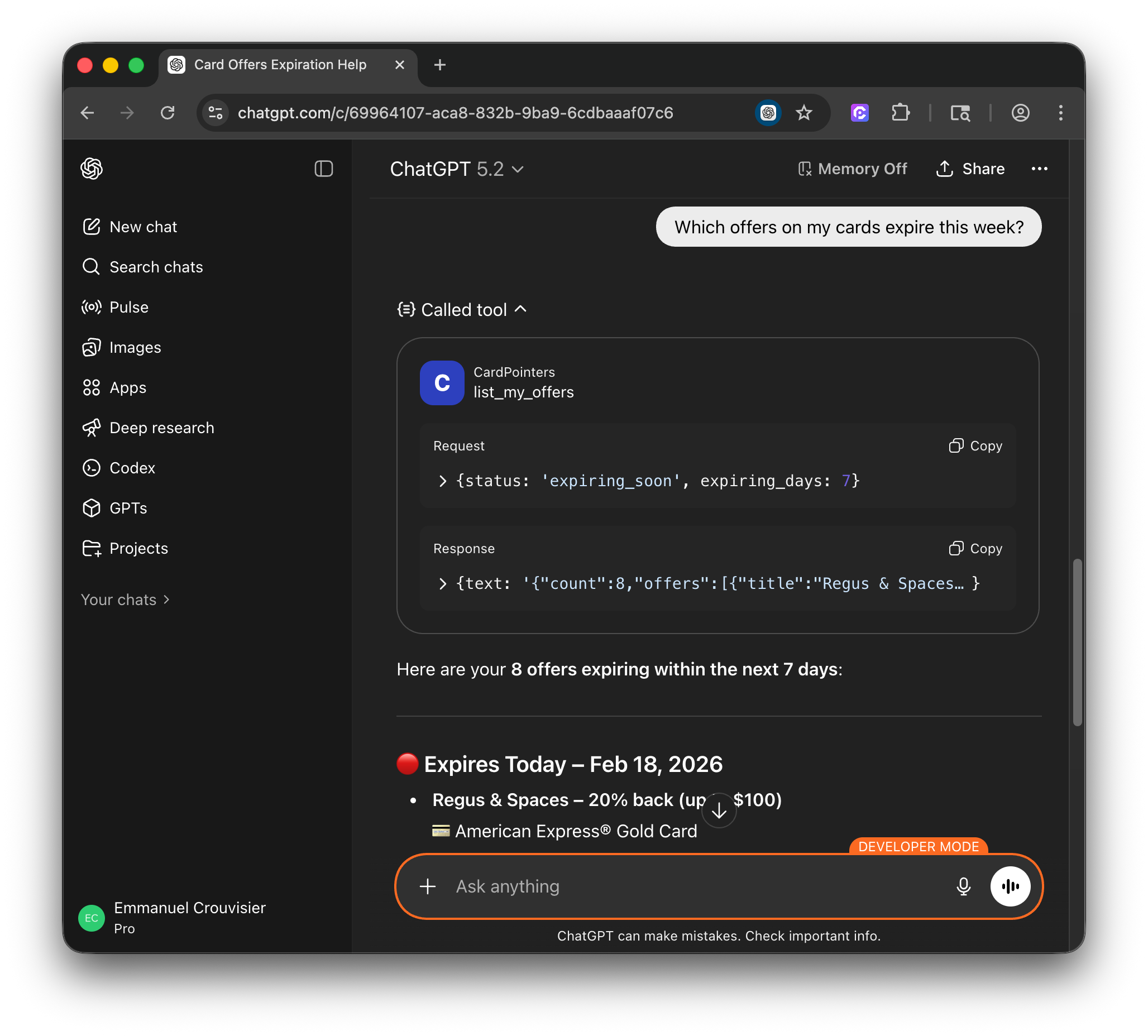
- You're all set, and can now ask ChatGPT anything about your cards or offers, or recommendations for which card to use for a specific category or store. It's automatically updated and sync'd in real-time.
Pro tip: use @cardpointers before a message to force it to use one of its tools if it doesn't pick it up automatically.
Below shows a few screenshots of the CardPointers app integrated into ChatGPT.